Welcome to Mekuru
Mekuru (めくる, "to turn a page") is a free app for reading Japanese books and manga while you learn. Tap a word you don't know to see what it means, then save it to review later.
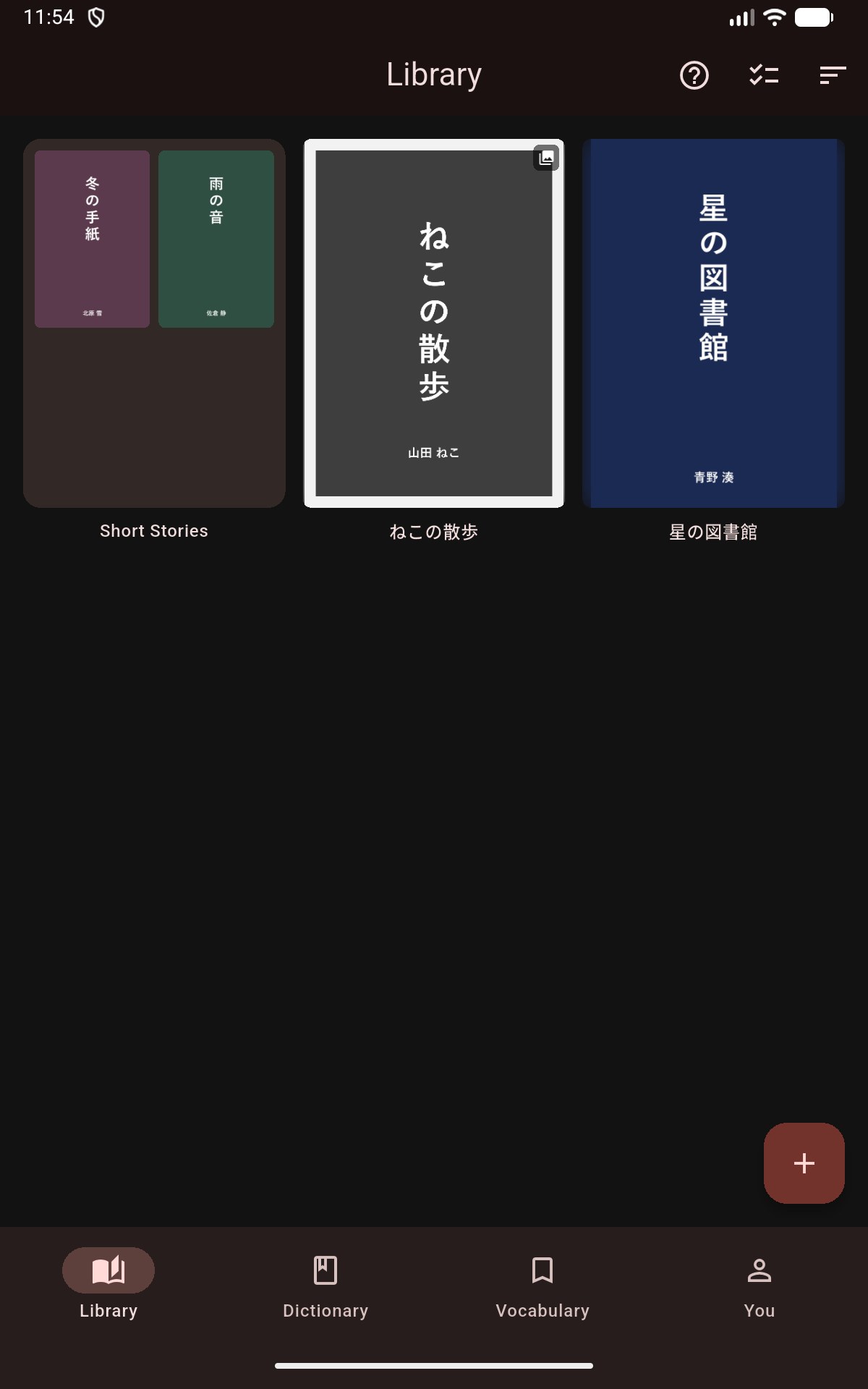
What Mekuru does
- Manga you can tap. Import manga that mokuro has processed and tap any word. Mokuro is a free tool that adds the text to manga pages. For other manga, OCR (reading the text in an image) adds the text in the app. OCR is part of Pro. See Importing Manga.
- Vertical novels with furigana. EPUB books written in tategaki (vertical writing) open that way. Furigana are small kana over kanji that show the reading. Show them for all kanji, only for kanji above your JLPT level, or only for kanji you haven't learned on WaniKani. The JLPT (Japanese-Language Proficiency Test) goes from N5, the easiest, to N1, the hardest. See Furigana.
- An offline dictionary. Mekuru keeps your dictionaries on your device, so lookups work without a connection. See Looking Up Words.
- Sentence translation. The Sentence tab of the lookup sheet translates the whole sentence on your device. See Sentence Translation.
- Vocabulary and Anki. Save words together with the sentence you found them in, then send them to Anki as flashcards. See Saving & Managing Words and Exporting to Anki.
- Free books. Download graded readers for learners and classic literature from Aozora Bunko, right in the app. See Free Books.
- Reading stats. See how long you read, which days you read, and how your vocabulary grows. See Reading Stats.
- Book servers. Download books from your own Komga or Kavita server and keep your reading position in sync. See Book Servers.
Where Mekuru runs
- Android: install Mekuru from Google Play.
- iPhone and iPad: Mekuru is coming to the App Store. Until then, join the beta on TestFlight. It needs iOS 26 or newer.
Installing Mekuru has the details.
A few features work differently on iPhone and iPad. Pages point these out in notes marked On iPhone and iPad or Android only.
Start here
- Install Mekuru. See Installing Mekuru.
- Get dictionaries. Tap Get Dictionaries in your empty library. It installs the starter pack: a Japanese–English dictionary plus word frequency data. See Setting Up Dictionaries.
- Get something to read. Import your own books or manga, or download free books.
- Tap a word. Open a book and tap any word. The lookup sheet opens with its meaning. See Looking Up Words.
Free and Pro
Mekuru is free. Pro is a one-time purchase. Pro unlocks On-device OCR, Auto-Crop for manga margins, Book Highlights for EPUB books, and Custom OCR Server.
You buy Pro through Google Play on Android and through the App Store on iPhone and iPad. You don't need an account.
Get help
Email mekuru@matthew.moe with questions or problems. You can also send a bug report or an idea from inside the app with You › Settings › Send Feedback.